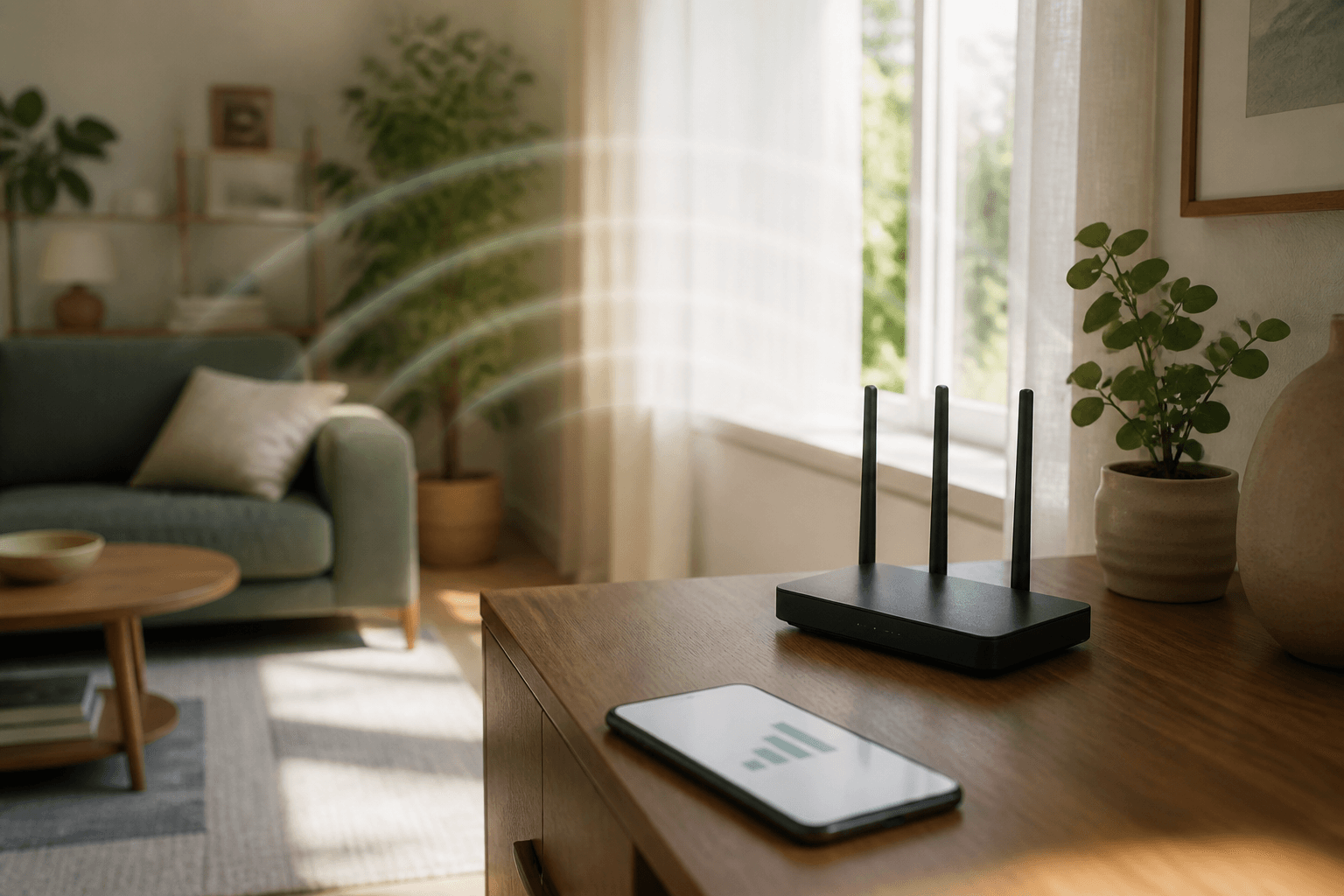
Wi‑Fi diagnosis guide
Is it your Wi‑Fi — or your internet provider?
A calm step-by-step guide that shows you what’s actually broken at home — so you stop guessing and stop waiting on support that talks past you.
$9.99
7-day money-back guarantee · one-time payment
Already have an account? Sign in
How you get it
A short path from stuck to a clear answer — with the guide waiting in your inbox.
- 1
Open your Polarment account
Email and password, or a magic link. Takes a minute. That account is where your guide will live.
You’re set up — ready to unlock the guide.
- 2
Unlock the guide for $9.99
One secure payment with Stripe. No subscription. If it doesn’t help within 7 days, you can ask for a refund.
Access appears in your inbox right after payment.
- 3
Follow the checks at home
Open the guide, walk the steps in order, and stop when you have the answer. Keep it for the next time the internet acts up.
You know who (or what) to fix — not just that “it’s broken.”
What you get
You finish knowing what to do next
About twenty calm minutes on your phone or laptop. Simple checks, in order — until you know if the problem is your signal, your router, or your provider.
Written for people who just want the internet to work again.
- 01
A clear yes or no
Is this a home Wi‑Fi problem, or something your internet provider has to fix?
- 02
Checks you can do yourself
No guessing. Follow the steps in order and stop when you have the answer.
- 03
Words for support, if you need them
If you still have to call, you’ll know what to say — without feeling lost on the phone.
- 04
Yours in the inbox
After purchase, the guide stays in your Polarment account for the next time things go wrong.